Full News

11.5 crore PAN cards deactivated after missing PAN-Aadhaar linking deadline; Here is how to check PAN-Aadhaar linking status
11.5 crore PAN cards deactivated after missing PAN-Aadhaar linking deadline; Here is how to check PAN-Aadhaar…
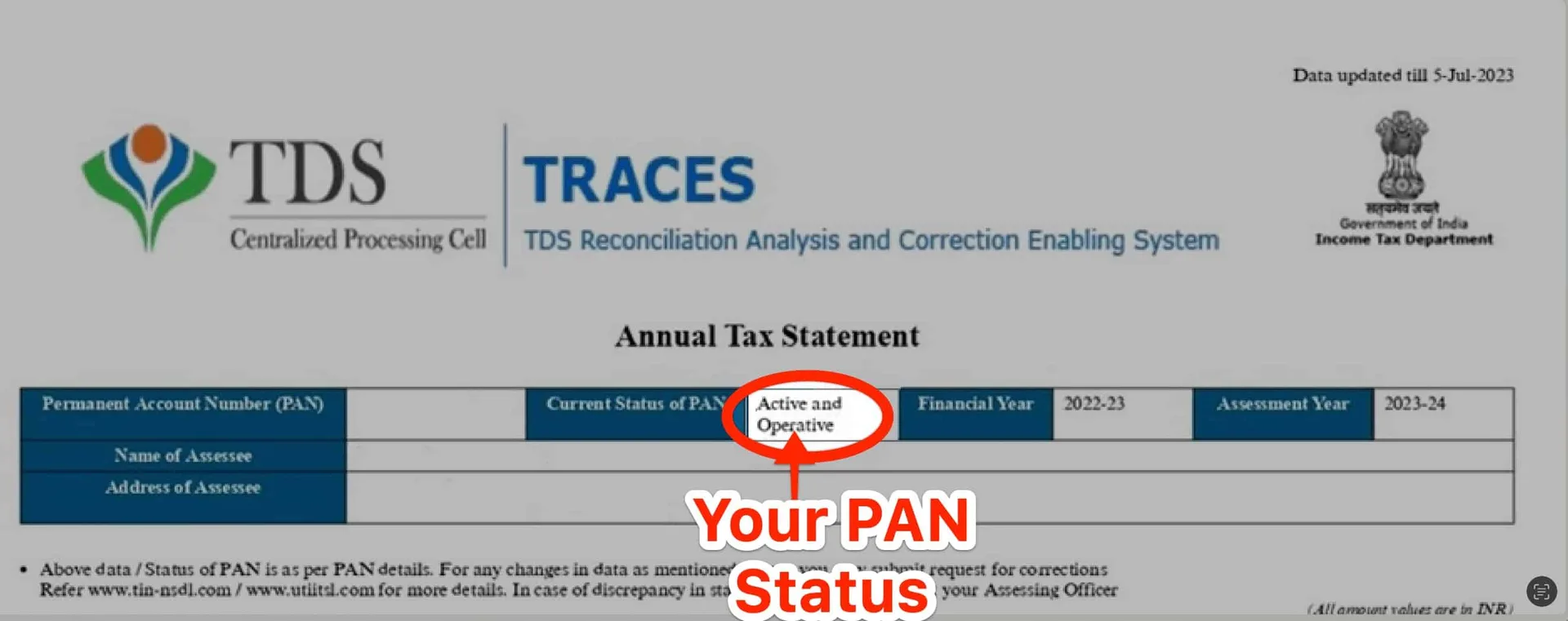
The Central Board of Direct Taxes (CBDT) responded to a Right to Information (RTI) request, revealing that 11.5 crore PAN cards were deactivated for not being linked to Aadhaar cards by the deadline. The deadline for linking PAN with Aadhaar expired on June 30, and individuals who received PAN cards before July 1, 2017, were required to manually link them. As a result, more than 12 crore PAN cards, of which 11.5 crore have been deactivated, have not been connected to Aadhaar. The article also provides information on how to check the status of PAN-Aadhaar linking online.
Consequences of Not Linking PAN with Aadhaar
The consequences of not linking PAN with Aadhaar include the deactivation of the PAN card, which can lead to difficulties in filing income tax returns and may result in penalties. Additionally, individuals may face challenges in financial transactions and other official procedures that require a valid PAN card.
How to Check Status of PAN-Aadhaar Linking
To check the status of PAN-Aadhaar linking, individuals can follow these steps:
- Visit the Income Tax e-filing portal using the following link: Income Tax e-filing portal
- Click on ‘Quick Links’ on the left side of the page and then select ‘Link Aadhaar Status’.
- Enter your 10-digit PAN number and 12-digit Aadhaar number.
- Click on ‘View Link Aadhaar Status’ to check if your Aadhaar number has been linked to your PAN. If not linked, take the necessary actions to link the two.
If the request to link PAN and Aadhaar is pending with UIDAI for validation, individuals will need to check the status later. They may also need to contact the Jurisdictional AO to delink Aadhaar and PAN if their Aadhaar is linked with another PAN or their PAN is linked with another Aadhaar.
×